
How to Set Knife Overcut and Corner Compensation on a Vibrating Knife Cutter

The safest way to tune vibrating knife overcut settings is to identify exactly where the cut is failing before changing a number. A small bridge where a closed contour finishes is a different fault from a rounded inside corner, a hooked outside corner or a result that changes from one repeat cut to the next.
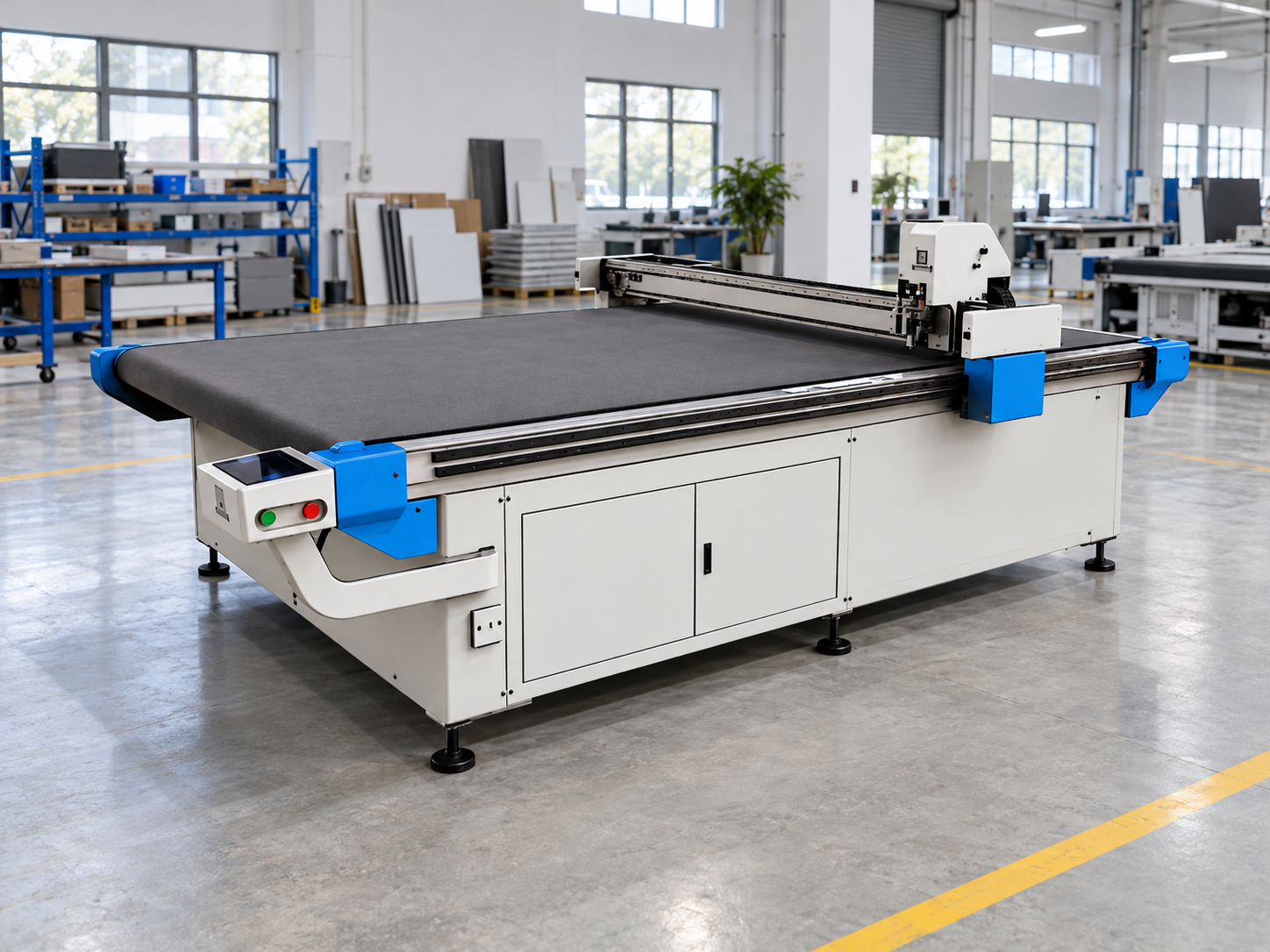
For a workshop assessing how a vibrating knife cutting machine could fit into a wider CNC requirement, the product overview provides a general equipment starting point. Actual vibrating-knife availability, controller support and configuration should be confirmed before assuming a particular machine or function is supplied.
For an existing cutter, work from evidence: establish a repeatable baseline, change one relevant parameter, cut the same geometry again and record what actually changed. Parameter names, units and adjustment ranges vary between machines and controllers, so the actual equipment documentation and on-site validation remain the final reference. This guide uses overcut and corner compensation as diagnostic labels; confirm how the installed controller defines and separates those functions before changing either one.
Start with the symptom
Where is the cut actually going wrong?
Closure point
A repeatable bridge where the path starts and finishes makes overcut behaviour worth testing.
Directional change
A repeated hook, round corner or projection points more directly toward corner behaviour or blade offset.
Different every cut
Variation between identical cuts should move the investigation toward blade, holder or material stability.
What Overcut Is Correcting
A vibrating knife is not a theoretical point following a vector. The blade has a physical cutting direction and must remain correctly oriented while the toolpath changes direction. That relationship becomes especially visible at corners and where a closed contour returns to its starting point.
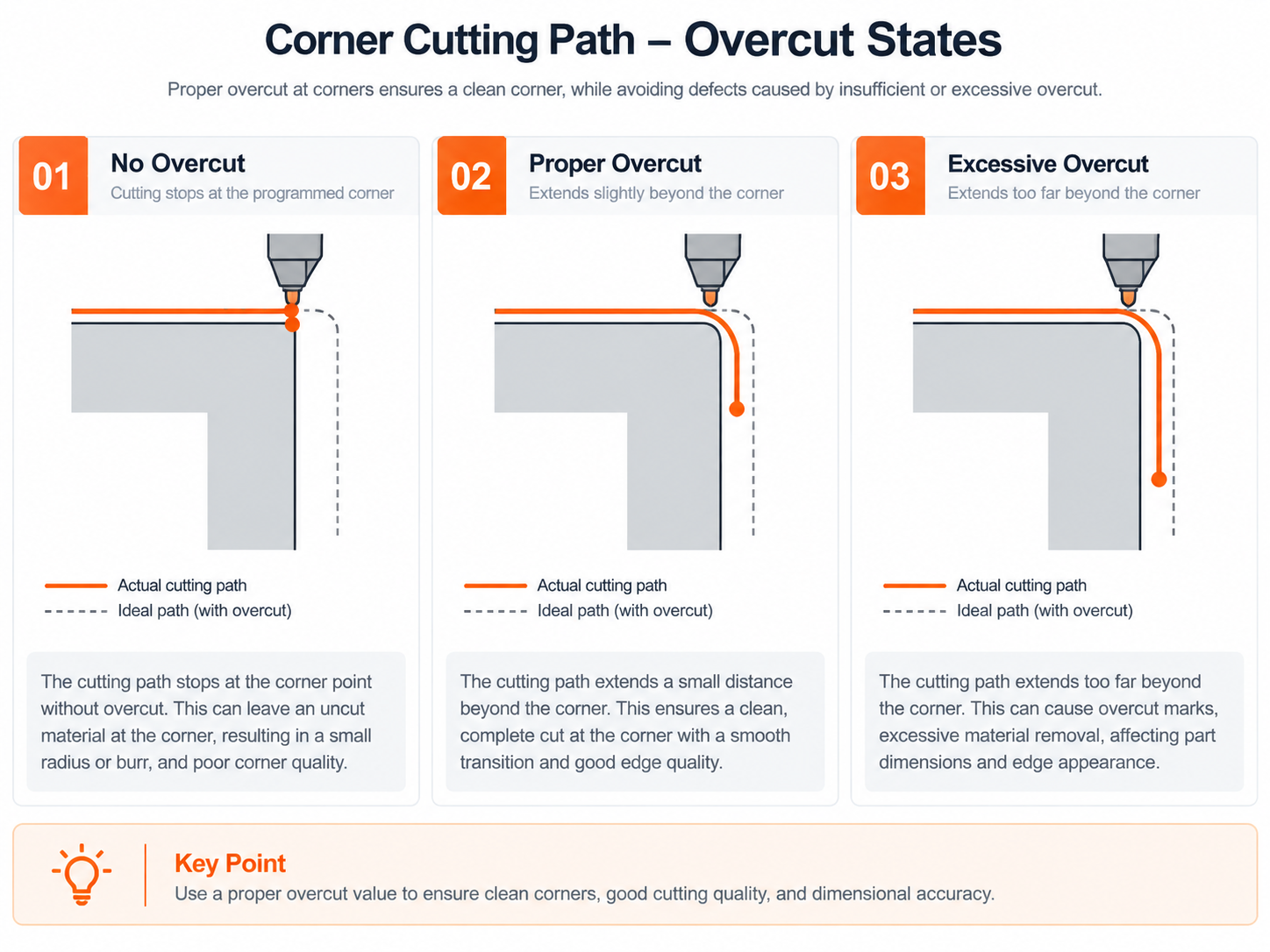
On controllers where overcut is used as a closure or path-extension setting, toolpath overcut extends the cutting movement beyond the nominal end of a closed contour. In that implementation, its job is to deal with a specific closure problem: the programmed path reaches its endpoint, but the physical cut leaves a small connected bridge where the start and end meet.
More overcut is not automatically better. An excessive knife overcut value can create a visible extension, double-cut region or mark beyond the intended finish. The useful setting is therefore the smallest validated change that closes the contour without creating a new defect elsewhere.
What the operator is trying to separate
Closure length and corner behaviour are related, but they are not the same adjustment
In the closure-focused workflow used here, overcut mainly affects what happens when a closed path finishes, while corner compensation deals with how the cutter manages a change in direction. A defect near an edge is not enough evidence to assume both parameters should be changed. Some controllers may group or name these functions differently, so the machine documentation determines which setting actually controls the symptom.
Locate the defect first, then choose the parameter that has a direct relationship to that defect.
Closure behaviour — simplified schematic
Too little
A bridge remains at the start/end junction.
Useful closure
The contour separates without unnecessary extension.
Too much
The knife travels farther than the closure requires.
Before Changing the Setting
Compensation only becomes useful when the cutting system is stable enough to repeat the same error. If blade wear, holder movement or material shift is changing the cut, software adjustment can hide the real cause while introducing errors into geometry that was previously acceptable.
Blade condition and direction
Inspect the cutting edge and confirm that the knife is installed and oriented correctly for the actual holder. A worn or damaged blade can drag instead of following the intended line cleanly.
Tool-holder stability
Mechanical movement tends to produce variable results. A parameter error is more likely to create a repeatable geometric symptom in the same location.
Material restraint
Watch the material around the blade during a change of direction. Lifting, stretching or sliding can make a correct programmed corner appear inaccurate.
File geometry
Check the source contour for gaps, duplicate lines, tiny unwanted segments, overlapping vectors and unexpected nodes before trying to compensate for them at the machine.
Save the original values before the first adjustment.
Record the current overcut and relevant knife-control settings together with the blade, material and file version. A baseline makes it possible to return to a known setup instead of trying to reconstruct it from memory.
A Safe Adjustment Sequence
The useful goal is not to find a magic number quickly. It is to make each test explain something. That means one test shape, one controlled change and one recorded comparison at a time.
01
Cut the baseline
Mark the closure, inside corners and outside corners before changing anything.
02
Change one value
Confirm which controller parameter is defined for the observed symptom, then use a small documented change within the range allowed by the actual controller.
03
Repeat identical geometry
Keep the material, blade and test file comparable so the result means something.
04
Record before continuing
Keep the change only if the targeted defect improves without creating another one.
Do not change overcut, speed, corner compensation and blade configuration together. A better part after four simultaneous changes does not tell the operator which change produced the improvement. If the targeted defect improves without creating another one, repeat the same test before making a further small change; if it worsens, return to the recorded baseline rather than stacking corrections.
Avoid copying a menu path or numerical setting from an unrelated controller simply because the parameter name looks similar. One control system may express path extension as a distance while another integrates similar behaviour into a broader knife function. Use the actual machine documentation for parameter definitions, units and allowable ranges.
Inside Corners vs Outside Corners
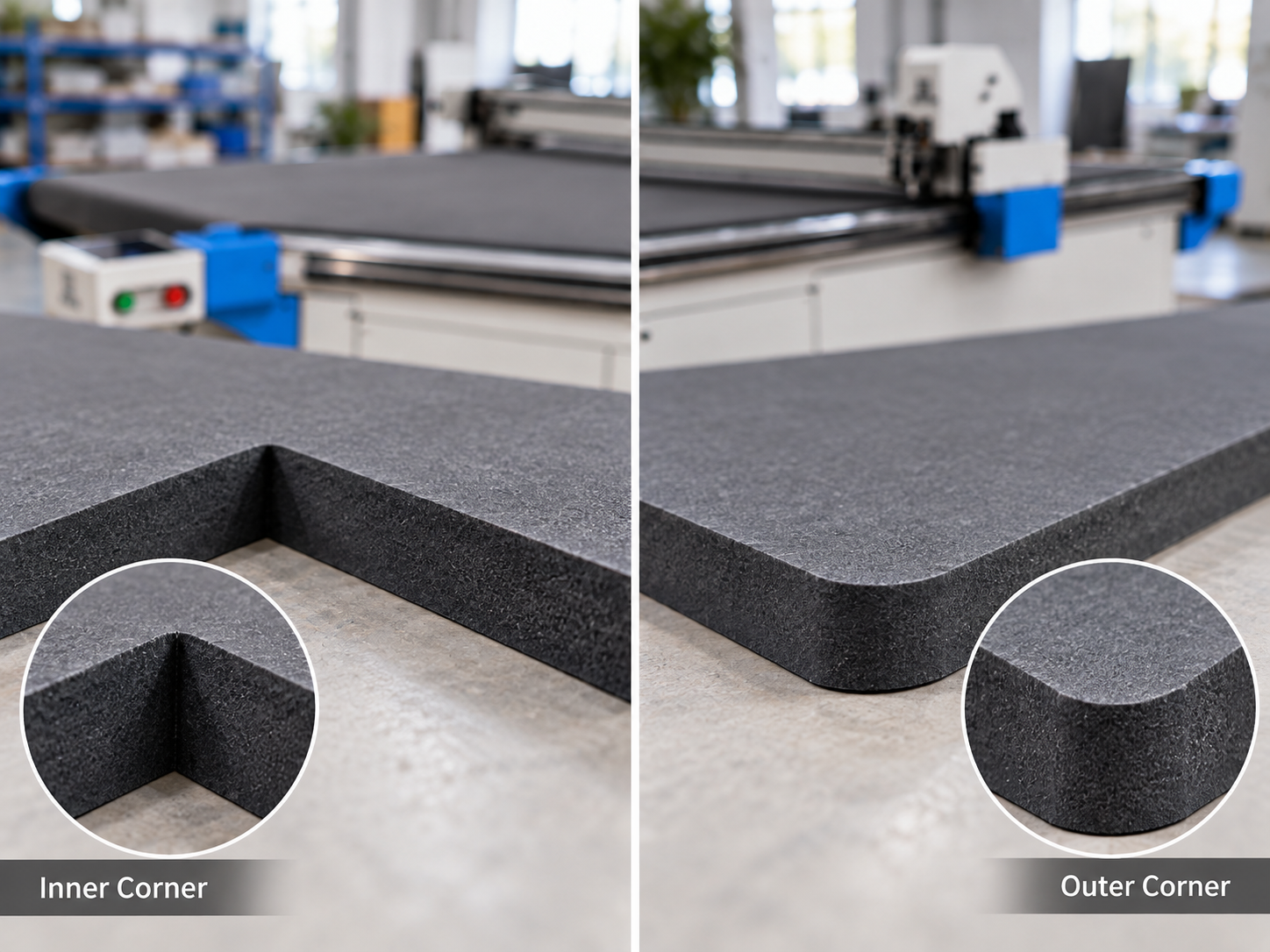
A poor corner is not automatically an overcut problem. Closure length and directional control can both influence the finished part, but their symptoms usually appear in different places.

Inside corner
Rounded, incomplete or pulled inward
Poor inside corner accuracy can relate to the way the blade changes orientation within the geometry, but material movement, blade condition and source geometry can produce similar symptoms.
Useful clue: if closure is clean but the same type of inside corner repeatedly fails, increasing global overcut is unlikely to be the most direct test.
Outside corner
Hook, projection or visible extension
A projecting outside edge may point toward vibrating knife corner compensation, directional turning behaviour or the relationship between the programmed line and blade offset.
Useful clue: determine whether the extension occurs at every similar outside corner or only where the closed contour begins and ends.
Test Pattern and Setting Log
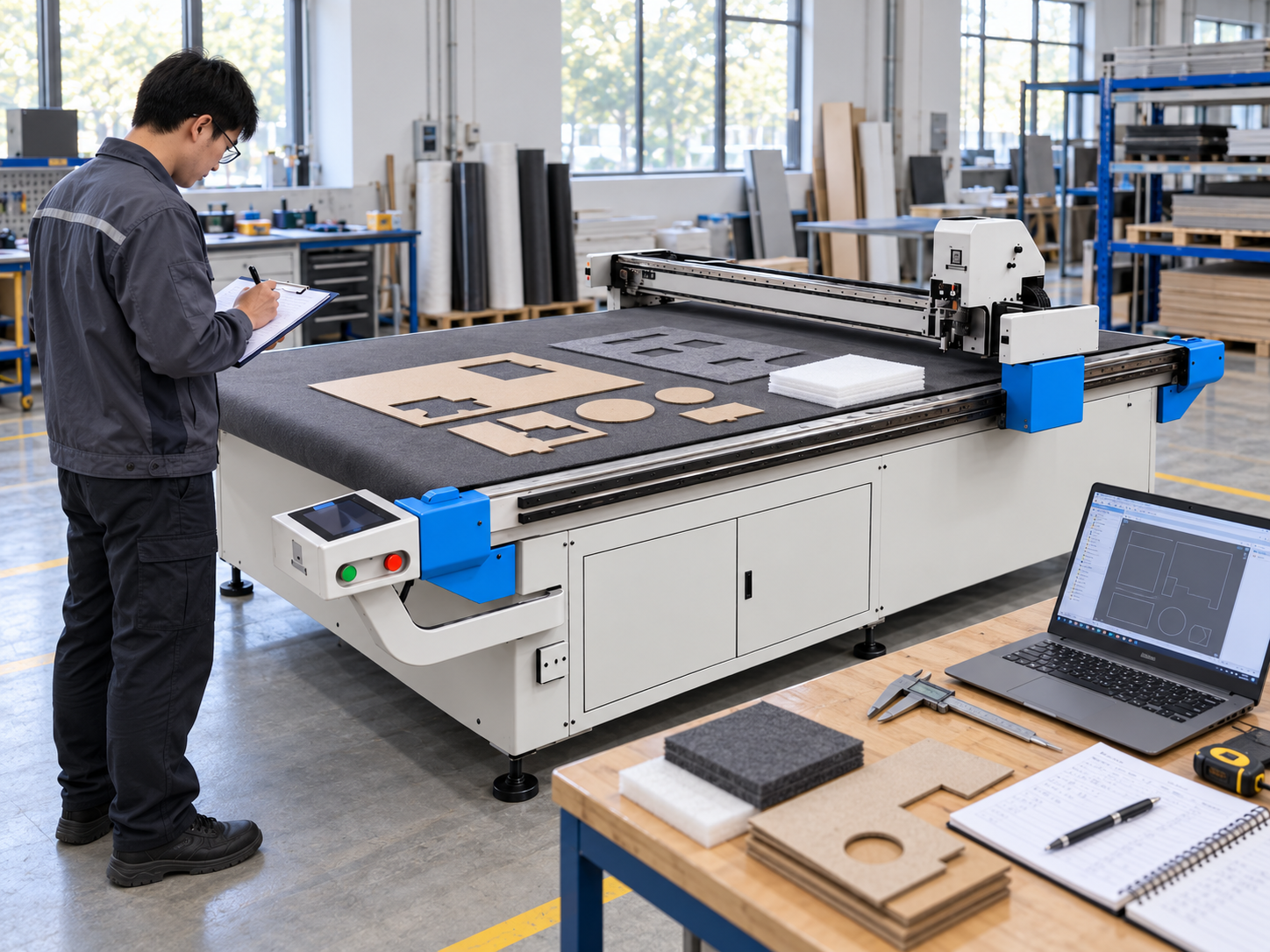
A good test file makes the problem easy to inspect. It does not need complicated artwork. Use one closed contour with clear straight sections and identifiable inside and outside corners, then keep that geometry unchanged throughout the adjustment series.
Make each test traceable
Label the sample before moving to the next setting
A physical cut sample is much more useful when it can still be matched to the setting that produced it. Number the samples and use the same number in the adjustment log.
Write what changed visually: “bridge remains,” “outside projection increased,” “inside corner improved,” or “repeat sample does not match.” Those descriptions provide more diagnostic value than simply writing “good” or “bad.”
Repeat a promising test before treating it as the new setup. If identical repeat cuts produce noticeably different corner or closure results, investigate mechanical condition or material movement before continuing to fine-tune compensation.
When Overcut Is Not the Real Problem
One of the most useful tuning decisions is knowing when to stop adjusting overcut. If the error is not repeatable or the parameter change has little relationship to the symptom, return to the physical process.
Cut quality has gradually deteriorated
Inspect the blade. Wear or edge damage can cause dragging, incomplete separation and distorted corners even though the controller settings have not changed.
The same test fails differently each time
Check the knife holder and workpiece restraint. Compensation should produce a repeatable geometric effect, not random movement from one cut to another.
Only one production file creates the fault
Inspect the source geometry and toolpath before changing a machine-wide setting. Open nodes, overlapping vectors and unwanted short segments can create local problems.
Closure is clean but corners are still wrong
Investigate corner behaviour and blade-offset logic instead of increasing path extension simply because the problem is near an edge.
What to Send for Setup Review
A useful setup review needs enough context to separate a path-setting problem from a blade, material or file problem. A photograph of one poor corner is rarely enough on its own.
Machine
Provide the actual machine identification, controller or software information and the original relevant parameter values.
Cutting setup
Record the material, blade type, blade condition and the operating settings that were held constant during testing.
Evidence
Include the test-file information and close photographs of the closure point, inside corners and outside corners matched to the setting log.
State whether the problem also appears on a simple test contour or only in one production file. That distinction can quickly redirect the investigation toward geometry instead of unnecessary machine-wide parameter changes.
Frequently Asked Questions
What does overcut mean on a vibrating knife cutter?
On controllers that use overcut as a closure or path-extension setting, it extends the cutting path beyond the nominal finishing point of a closed contour and can help eliminate a repeatable uncut bridge where the start and end of the path meet. Its exact implementation depends on the controller.
What happens when overcut is too high or too low?
Too little may leave a connected bridge at the closure. Too much may produce an unnecessary extension, double-cut area or visible mark. Confirm blade condition and material stability before assuming the value itself is responsible.
Is corner compensation the same for every material?
No universal setting should be assumed. Material behaviour, blade configuration, machine mechanics and controller logic can all affect the result. Verify the adjustment on the actual machine and material.
Can blade wear be mistaken for a compensation problem?
Yes. A worn or damaged blade can drag through the material and alter both corner and closure quality. If a previously stable job changes without a settings change, inspect the blade before increasing compensation.
What should be saved before adjusting the settings?
Save the original overcut and relevant knife or corner-control values together with the material, blade, test file and operating conditions. A clear controller-screen photograph can also provide a useful baseline where appropriate.
Before changing another parameter
Build the Next Test Around Evidence, Not Guesswork
Confirm the actual vibrating knife equipment and controller, material, blade type, current values and original values. Add clear photographs of the contour closure, inside corners and outside corners together with the test-file information.
That information makes the next step clearer: adjust overcut, investigate corner compensation, inspect the blade or holder, improve material restraint, or correct the source geometry.