CNC Engraving Machine vs CNC Router: What Is the Difference?

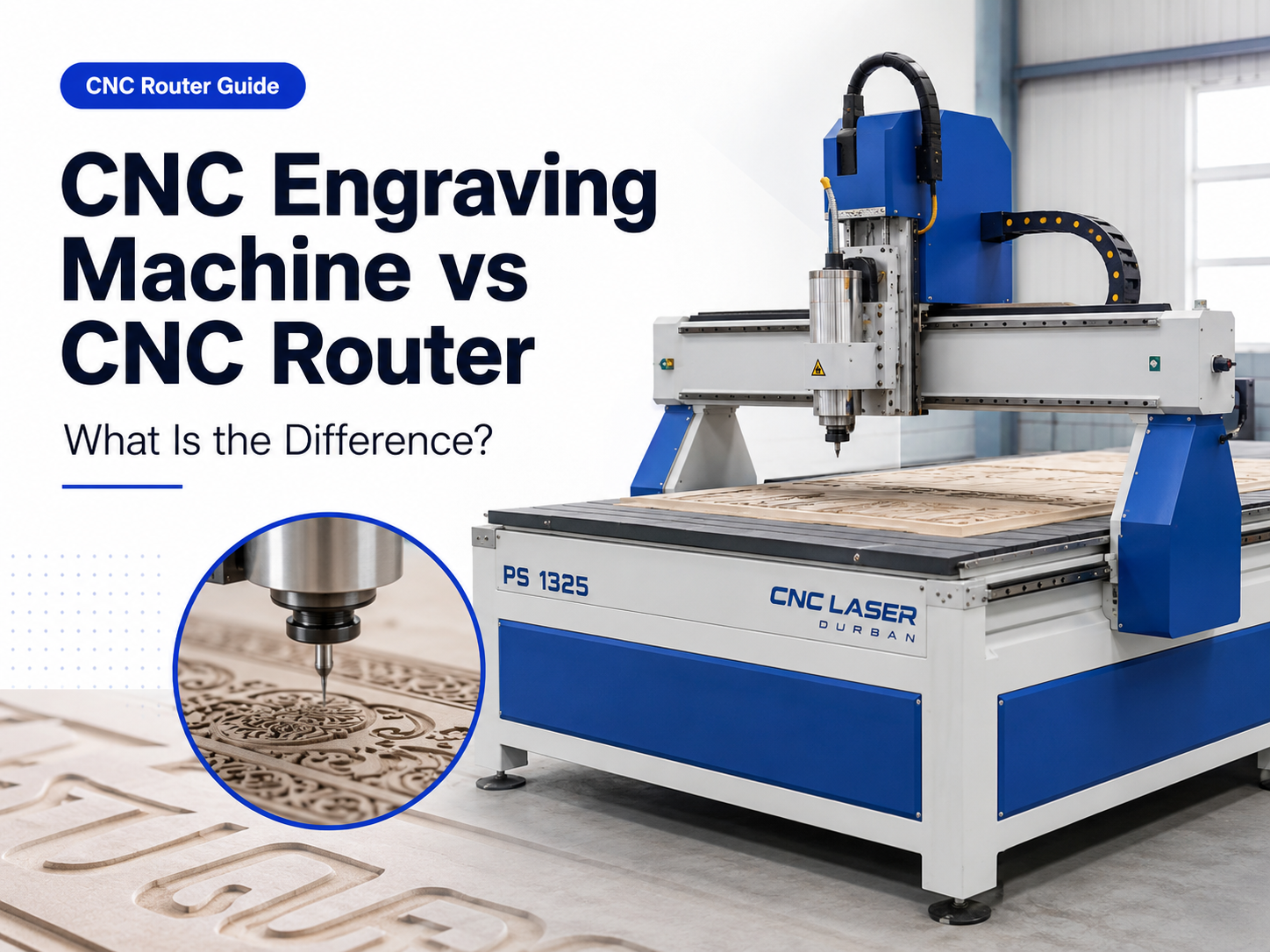
A CNC engraving machine vs CNC router comparison should start with the parts that will keep the machine busy. Small lettering, shallow detail and compact fixtures create a different buying decision from full-board profiling, furniture panels or repeated production cutting.
The two machine labels overlap, so the name on a product page is not enough. The useful question is whether the proposed machine can hold the material securely, run the required cutters, produce the smallest feature cleanly and complete the normal workload at an acceptable cycle time.
Choose an engraving-focused configuration when most paid work consists of small parts, fine text, narrow grooves or shallow decorative detail. Choose a router-focused configuration when the business regularly processes larger boards, deeper profiles, nested components or mixed cutting and drilling operations. For signage that combines lettering and outside profiles, a CNC router is usually the more flexible starting point, but the smallest text and shallow-depth consistency must be proven on a sample.
Small plates and lettering
Prioritise depth consistency, low spindle runout, small-cutter stability and easy fixture access.
Engraving plus profile cutting
Prioritise a practical table size, clean acrylic or board edges and proof that fine lettering remains controlled.
Furniture and board processing
Prioritise usable working area, reliable hold-down, extraction, nesting workflow and repeatable loading.
Several cutters in one programme
Compare automatic tool changing only when normal jobs genuinely lose time to repeated manual changes.
CNC Engraving Machine vs CNC Router: What Actually Changes?
Both machines may engrave, cut pockets, drill holes and profile a part. The difference is usually found in the design priorities. An engraving-focused machine tends to favour compact work, small cutters and controlled surface detail. A router tends to provide more room for boards, fixtures and repeated material removal.
That distinction is not an industry rule. A compact router may produce excellent lettering, while a machine sold as an engraving system may have a substantial frame and capable spindle. Buyers should compare the complete cutting system rather than treating the product category as proof of performance.
| Decision area | Engraving-focused direction | Router-focused direction | What should be demonstrated |
|---|---|---|---|
| Regular part size | Small plates, inserts, labels and compact components. | Signs, boards, panels and multiple nested parts. | The largest part, the smallest part and the fixture space needed around both. |
| Dominant operation | Fine lettering, shallow grooves, detailed pockets and surface work. | Profiles, pockets, drilling, board processing and repeated cutting. | A complete normal programme rather than a short prepared demonstration. |
| Main production risk | Inconsistent depth, visible runout and broken small cutters. | Poor hold-down, slow loading, rough edges and an undersized table. | Several repeated parts made from the intended material. |
| Typical buying priority | Fine-motion stability, spindle condition, table flatness and fixture access. | Usable travel, frame rigidity, workholding, extraction and workflow capacity. | Accepted part quality and complete cycle time under a realistic setup. |
A simple rule: buy for the work that produces most of the machine hours. Occasional engraving does not automatically justify a dedicated engraving machine, and occasional panel cutting does not make a compact detail machine suitable for regular board production.
Choose by the Part You Sell, Not the Machine Name
Define the smallest feature
Record the smallest text height, slot width, inside corner or relief detail that customers actually order.
Define the largest normal part
Include clamps, vacuum zones, cutter clearance and loading space instead of using only the advertised axis travel.
Define the daily workload
Count loading, zero setting, tool changes, machining, unloading and inspection when comparing output.
Small labels, plates and detailed components
When the regular work is compact and the visible value comes from fine detail, the selection should focus on controlled shallow cutting. Table flatness matters because a small height change can alter the width of a V-carved line. Spindle runout and collet condition also become more visible when very small cutters are used.
An engraving-focused direction is sensible when these small-detail jobs dominate the order book. Ask for repeated lettering across the full fixture area, not one successful sample placed in the easiest part of the table.
Signage, acrylic and mixed board work
Signage businesses often need both engraved detail and full outside profiles. A router-focused platform normally gives the broader production range because it can accommodate larger signs and more varied cutting operations. The risk is assuming that a machine which cuts a clean outside profile will automatically produce small lettering well.
Use one test file containing V-carved text, small internal corners, a pocket and a complete outside profile. For acrylic, inspect melting, rewelding and edge quality before any polishing hides the routed result.
Furniture, cabinetry and repeated panel processing
Panel work changes the decision. Sheet dimensions, nesting, hold-down, spoilboard condition, extraction and material handling often matter more than the smallest engraving feature. A fast toolpath adds little value if boards are slow to load, parts move during cutting or finished components require excessive manual cleanup.
For this workload, start with a router-focused machine and size the table around the boards and fixtures used most often. Confirm that the workshop has enough room for loading and unloading, not only enough floor space for the machine footprint.
Reliefs, moulds and three-dimensional work
Three-dimensional machining usually separates roughing and finishing. The final result depends on spindle duty, cutter reach, step-over, rigidity and the time required for the full finishing pass. A small demonstration patch does not show whether the complete part can run without unacceptable vibration, heat or cycle time.
Which CNC Router Direction Should You Compare?
The examples below are not a universal ranking. They show how to narrow the website range by workload before asking for a final configuration. Usable travel, spindle, table type, supplied accessories and application suitability should be confirmed for the exact quotation.

PS 1318 CNC Router
Start here when regular parts and fixtures fit a more compact production format and the workshop does not need to load large boards every day.
- Useful direction for smaller signage, plates, inserts and repeat fixtures.
- Confirm usable travel after clamps, fixtures and cutter clearance are included.
- Request a fine-lettering sample if detail quality is commercially important.

PS 1325 CNC Router
This is the more natural direction to compare when the workload combines signage, board processing, profile cutting and occasional detailed engraving.
- Ask whether the proposed table and hold-down method suit the normal material sizes.
- Test both shallow lettering and full-depth profiles in the same sample programme.
- Confirm extraction, software workflow, tooling and operator training as part of the complete setup.
When an automatic tool changer is worth comparing
An automatic tool changer solves a workflow problem; it should not be selected only because it appears more advanced. Compare the PS 1930 automatic tool-changing option when a normal programme repeatedly uses several cutters and manual changes interrupt productive machine time.
Cabinet or panel programmes that drill, pocket, profile and finish before the part leaves the table.
Jobs that normally run one cutter from start to finish or change tools only between batches.
Confirm the normal tool sequence, holder compatibility, tool measurement, CAM post-processor and operator procedure before treating automatic changing as a cycle-time benefit.

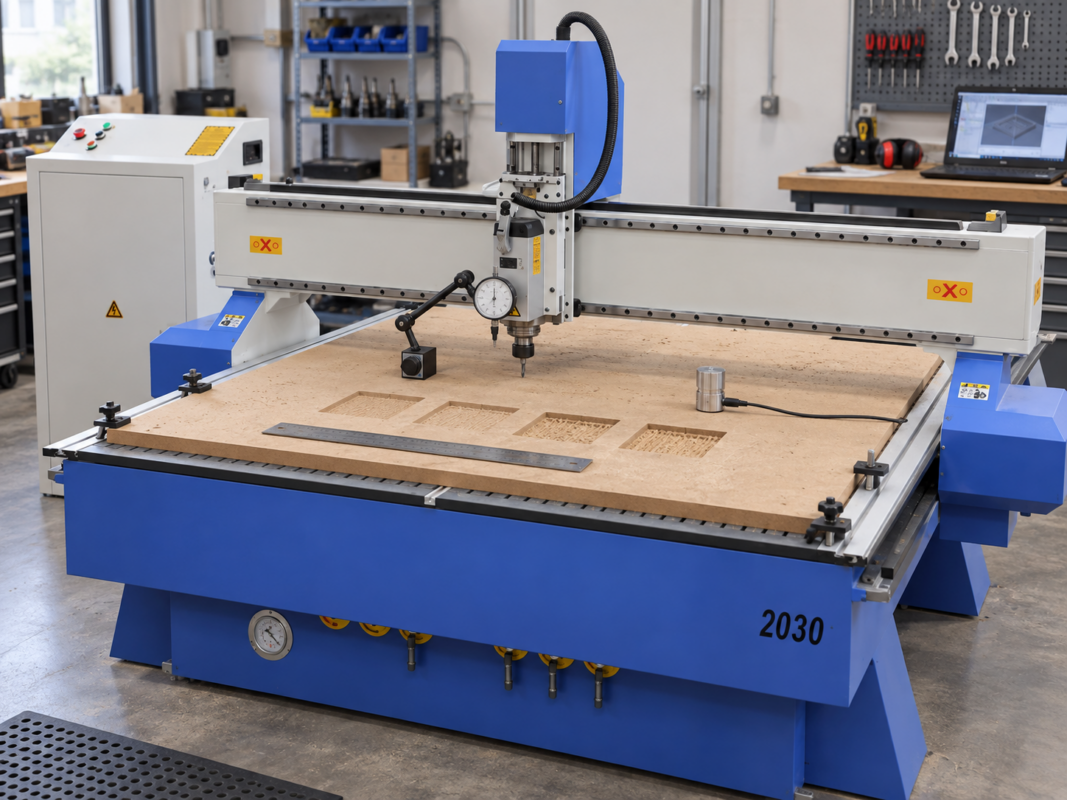
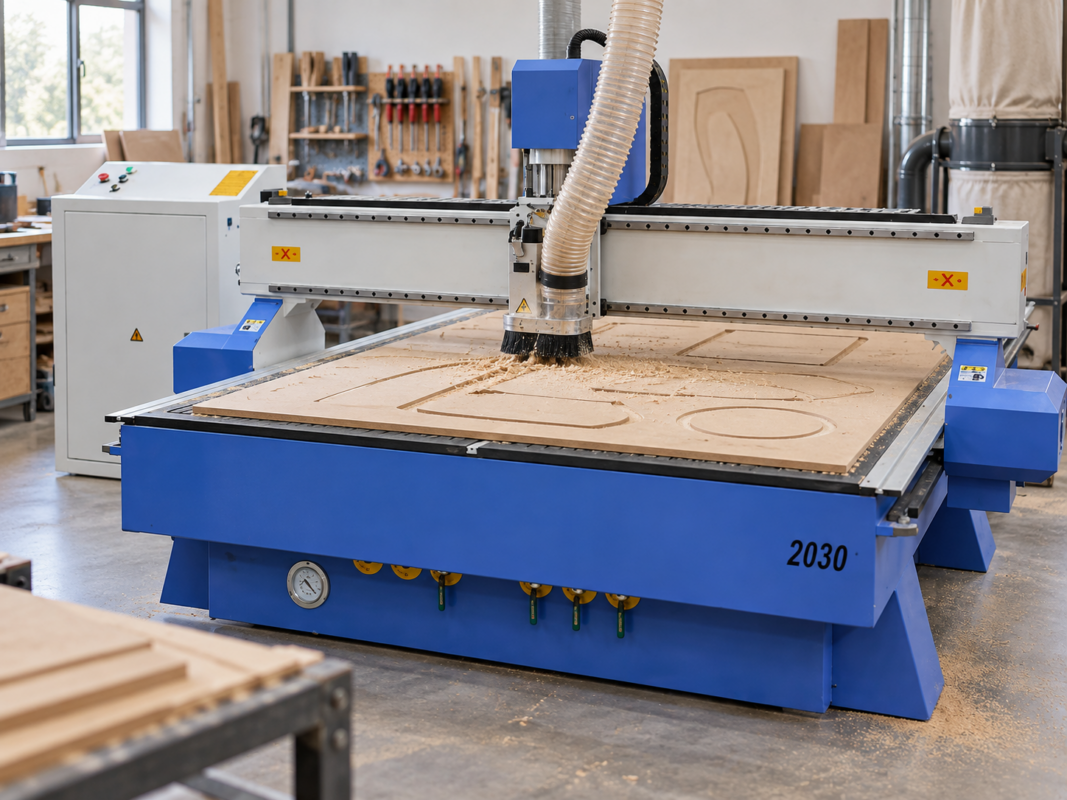
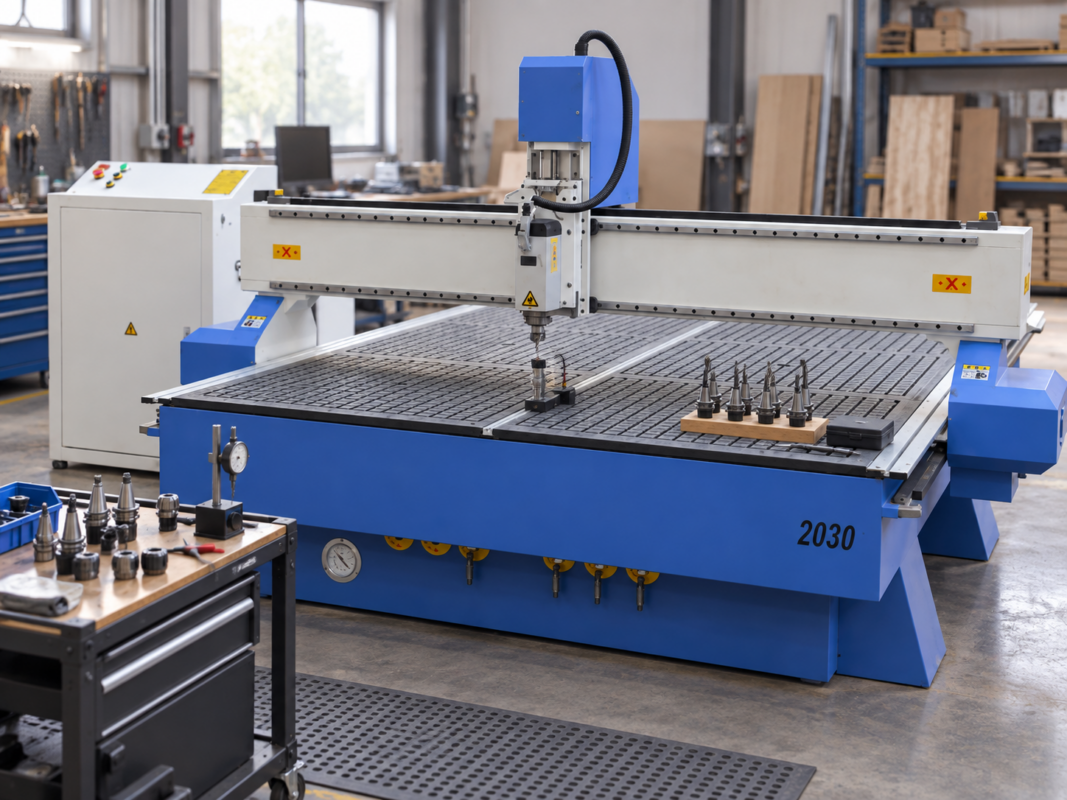
PS 2030 CNC Router
Compare a larger-format direction when the normal workpiece, fixture layout or nested production cannot be handled efficiently on a smaller table.
- Check the complete material flow from storage to loading, cutting and unloading.
- Confirm how full sheets and smaller offcuts will be held during the complete profile.
- Do not pay for unused table area if most work is compact and workshop space is limited.
Use One Sample to Compare Detail, Cutting and Workflow
A useful machine demonstration should reproduce the work the business intends to sell. Avoid approving a machine from a decorative sample made with unknown tooling and settings. Supply the actual material, the normal drawing and a clear acceptance standard.
Build a representative comparison file
- Add the smallest text or feature that customers normally request.
- Add a pocket and internal corner to expose cutter access and motion quality.
- Add a full outside profile so the workholding faces realistic cutting forces.
- Use the normal material and thickness, not an easier substitute selected for the demonstration.
- Time the complete cycle, including loading, zero setting, tool changes, machining, unloading and inspection.
- Repeat several parts and compare dimensions, depth and finish rather than accepting one successful piece.
Record the cutter, tool projection, spindle setting, pass depth, feed, hold-down method and finishing steps. Without this information, two samples may look similar while requiring very different cycle times or operator intervention.
Buying Mistakes That Make the Wrong Machine Look Attractive
“Engraving machine” and “router” are not controlled performance classes. Verify the structure and the sample result.
Fixtures, clamps, vacuum zones and tool clearance can reduce the practical area available to the workpiece.
Runout, speed range, collet condition, rigidity, tooling and chip control also affect the finished part.
A fast feed rate does not remove delays caused by loading, tool changes, poor hold-down or manual finishing.
Unused capacity occupies floor space and may complicate loading without improving the work that currently pays for the machine.
CAM, post-processing, extraction, maintenance and training can determine whether the machine becomes productive after installation.
Information to send before requesting a recommendation
- Minimum and maximum finished part dimensions
- Exact material type and normal thickness range
- Smallest lettering, slot, radius or relief feature
- Total cutting depth and required visible finish
- Parts or sheets expected per shift
- Normal number of cutters used in one programme
- Available extraction, electrical supply and compressed air
- Drawings, photographs or sample material for a practical review
CNC Engraving Machine vs CNC Router FAQs
Match the Machine to a Real Part
Send the material, part dimensions, smallest feature, cutting depth, normal quantity and drawing. That information makes it possible to compare an engraving-focused setup, a standard router, a larger-format machine or an automatic tool-changing option against the work you actually plan to produce.